Audacity vs Reaper: Which One Actually Fits Your Podcast Workflow?
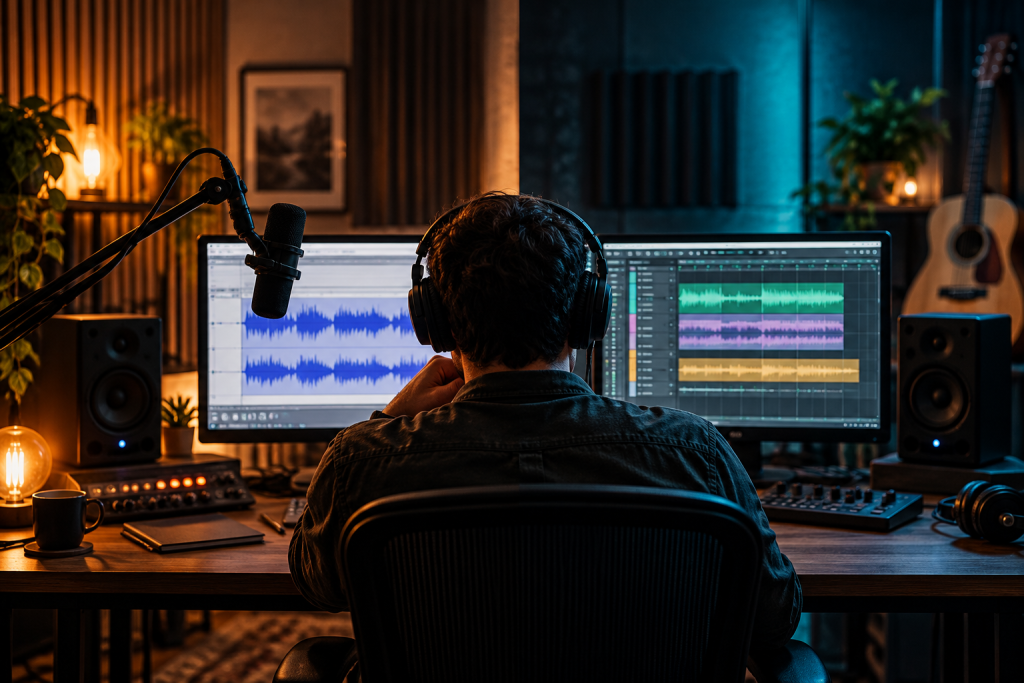
The first time you open Audacity, you pay nothing and you can hit record within ten seconds. That is a real advantage, and it is why so many podcasts started there. The first time you open Reaper, the trial runs for sixty days without a nag screen, and then you stare at a blank timeline wondering where the podcast is supposed to happen. Both tools can finish a show. They get you there along very different roads.
I have cut episodes in both. My take is simple: Audacity is the better tool for a solo host doing a straight interview with light cleanup, and Reaper is the better tool once your show has multiple voices, music beds, and a growing folder of weekly sessions. Most working podcasts eventually drift toward Reaper. Plenty never need to.
What each one actually is
Audacity is a two-track editor at heart. You load files, you cut them up, you run effects, you export. It is built around manipulating audio rather than building a session. That is a strength when the job is “fix this recording,” and a limitation when the job is “produce a show.”
Reaper is a full DAW. Its discounted license runs $60, and it runs on Windows, macOS, and Linux, which puts it among the strongest Linux picks of any commercial DAW. The trial is sixty days with full features and no nag. So the entry cost is roughly the same for both, at least at the start.
Editing workflow, hands down
This is where the two split most visibly. Audacity gives you a single waveform per track and a toolbox of selection tricks. You highlight, you delete, you paste. For trimming a podcast intro or cutting a cough, it is fast and clear.
Reaper treats audio editing as a first-class craft. Its slip, grid, shuffle and spot modes, playlists, and region groups are the kind of thing Pro Tools users have leaned on for years. In podcast terms, that means you can slip an off-mic host back into alignment without moving the music bed, and you can reorder segments without breaking the timing of the whole episode. If you edit a roundtable every week, that pays for itself.
The catch: Reaper’s editing acumen is invisible until you learn the shortcuts. Audacity is more legible on the first day. That trade is worth acknowledging honestly.
Multi-host sessions and the edit that won’t break
A solo interview rarely stresses a two-track editor. Two hosts and a guest, each on their own mic, starts to want a session view. Reaper holds up under huge track counts without flinching, and its native routing lets you keep a clean foldback for each voice without duplicating tracks.
Audacity can have many tracks, but every operation tends to be a selection over the whole length. Move one clip and the rest sit still. For a three-person show, that means constant re-checking alignment. It works. It is tiring.
If you record to separate tracks from an audio interface, as I would recommend, Reaper is the more natural home for that material. Audacity still gets the job done, and for a weekly two-track show it may be all you ever need.
Effects: stock versus third-party
Audacity ships with the essentials: a decent noise reduction, EQ, compression, and the Nyquist plug-in system for clever one-off tools. The noise reduction in particular has rescued more field recordings than any paid plug-in I own. For podcast cleanup, it is genuinely useful.
Reaper’s stock effects are functional and deep, and the DAW’s real draw is the plug-in ecosystem. You can run almost any VST you already own, and Reaper’s built-in JS effects and routing make complex chains accessible. For sound design and texture work, that flexibility matters more than the bundled preset list.
Neither tool has the polished session player or AI assistant features now showing up in Logic and other big DAWs. That is not a podcast problem. It just means you shouldn’t buy either expecting them.
Podcast-specific features, and what is missing
Audacity has a dedicated noise reduction, a label track for chapter markers, and a built-in export dialog that handles MP3 cleanly. For a show that is mostly talking, that covers the essentials. It does not offer native stem separation, and it does not carry a modern clip-launching workflow.
Reaper handles chapter markers through regions, and its render matrix lets you export a stereo master and a mono voice-only version in one pass. That is a small thing until you have done it weekly for a year.
Neither one is a post-production suite for film or TV. If your podcast is essentially a broadcast documentary, you are probably looking at Pro Tools, which still owns that world. For spoken-word shows, both tools are sufficient.
The interface question
Audacity is approachable. The menus are short. The waveform is the star. My students learn it in an afternoon.
Reaper is not approachable. Its menus are long, its preferences are exhaustive, and the default theme is a bit cold. The first two weeks feel like work. I say this as someone who uses it daily. The upside is that almost everything is customizable, including the keyboard layout, which means it becomes fast once you have configured it to your brain.
If you hate configuring software, Audacity is the kind one. If you love it, Reaper is the one that rewards the effort.
Price and platform
Audacity is free and open source. Reaper is $60 for the discounted license, and the full license is $225 for anyone earning above the threshold. Both are pay once, not a subscription. Both run on Windows and macOS. Reaper adds Linux support, which matters if you have moved to a Linux machine or want to.
If your show is your livelihood, the $60 is trivial next to a single mic stand. If you are making a show for fun on a borrowed laptop, free is a strong argument.
Which one I would pick
If your podcast is one or two voices, recorded cleanly, with a fixed format, and you do not want to learn a DAW, Audacity is enough. It has done this job for two decades.
If you record multiple mics, use music beds and transitions, want to pull in the plug-ins you already own, or expect the show to grow, Reaper is the better long-term home. It costs $60, runs anywhere, and its editing model will not fight you as the show gets more complex.
The worst outcome is switching every six months. Learn one deeply.