The Best Free Audio Editors for Storytellers
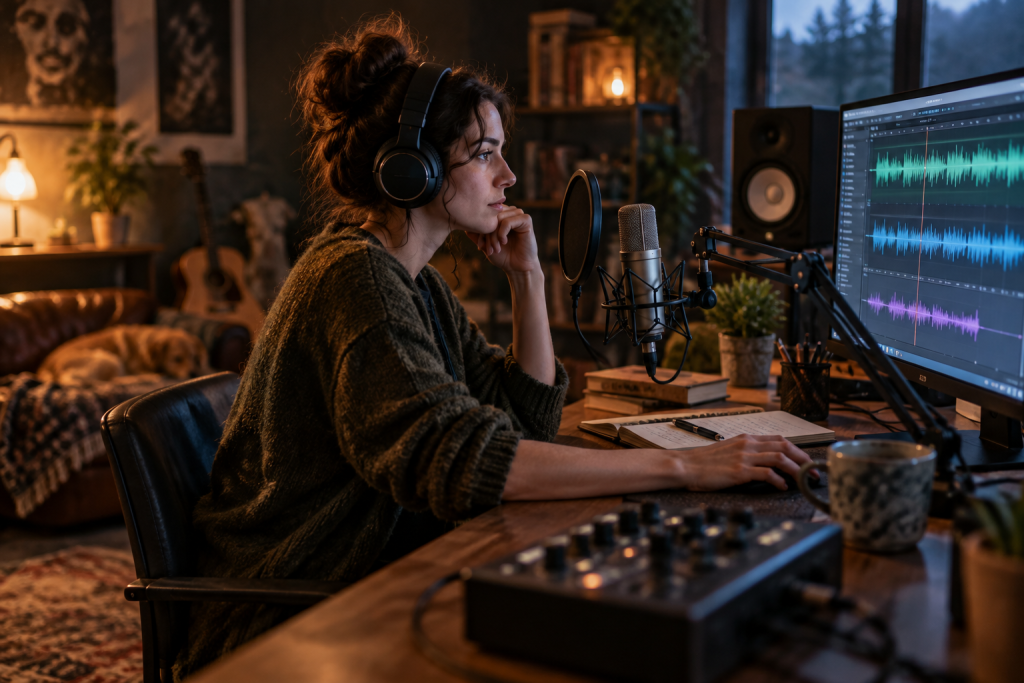
Most “best free audio editor” listsare really just Audacity plus a couple of dead links. That’s useless if you’re cutting an interview, cleaning up a field recording, or building a podcast episode. Let me be blunt about what’s actually out there.
The honest truth: free audio editors split into three jobs. Single-track restoration and cleanup. Multitrack assembly and mixing. And analysis, the metering and loudness checking that tells you whether your export will survive Spotify or YouTube. No single free tool does all three well. Knowing which job you’re doing saves you from fighting the wrong software for an hour.
Audacity is still the default, and that’s fine
Audacity is free, open source, cross-platform, and it opens literally anything. WAV, AIFF, MP3, FLAC, Ogg. If a client hands you a weird file at 11pm, Audacity reads it.
For a storyteller, Audacity’s strengths are unglamorous but real. You can zoom deep into a waveform and notch out a chair squeak by hand. Destructive editing means the change is permanent, which is terrifying at first and liberating once you trust your ears. Noise Reduction, the built-in compressor, and the Normalize tool handle basic cleanup without a single plugin.
What’s annoying: the UI feels like 2008. Non-destructive editing is limited. The noise reduction, pushed hard, leaves that underwater gurgle everyone recognizes. And you can only see one mono or one stereo track comfortably at a time, so assembling a 40-minute interview across six clips is clumsy.
Still my recommendation for anyone starting out. Learn it first.
Reaper is not free, but hear me out
Reaper’s evaluation license never expires. That’s not the same as free, and I’m not going to pretend it is. But it’s the closest thing to a professional multitrack DAW that a podcaster can legally use indefinitely while deciding whether to pay the (reasonably priced) license.
Why it matters here: Reaper handles long-form podcasts gracefully. Take lanes, region rendering, and a project template that opens with your podcast chain already loaded. It’s also lightweight. My old laptop runs it without a hiccup.
The catch is the learning curve. Reaper rewards tinkerers. If you want something that just works out of the box, skip it.
Ocenaudio: the underrated middle ground
Ocenaudio is free, and for pure two-track editing it’s faster than Audacity. The interface is cleaner, the selection tools behave more predictably, and real-time effect preview means you hear the EQ change before you commit.
It won’t do multitrack. That’s the whole tradeoff. But if your workflow is “clean one stereo file, export,” Ocenaudio is the quicker path and I don’t know why more people don’t mention it.
The plugin question nobody warns you about
Here’s where free editors get genuinely limited. Audacity’s built-in VST support is functional but fiddly. Ocenaudio’s is better. But if you’re serious about audio for storytelling, you’ll eventually want free plugins doing the heavy lifting, and that changes the editor conversation entirely.
Vocal cleanup is the obvious starting point. A dynamic EQ that only reacts when a frequency crosses a threshold is enormously useful for taming a resonant room or a boomy narrator without gutting the voice’s natural character. TDR Nova does exactly this, four bands, each with its own threshold behavior, and it sounds clean and lightweight enough that it competes with paid tools. I’ve used it on narration buses for years.
For harsh sibilance, Spitfish still does the job despite looking ancient. It’s not surgical. There’s no modern UI. But it reacts naturally and doesn’t wreck your top end, which is more than I can say for some newer alternatives. Good enough on backing vocals and quick fixes.
Reverb is where free plugins genuinely shine right now. Valhalla Supermassive is absurdly generous: huge, lush delay and reverb textures that sound expensive, not metallic. People use it for transitions, risers, and ambience beds even when they own paid reverbs. Voxengo OldSkoolVerb, meanwhile, is the warm, natural option that doesn’t overwhelm a voice, which is usually what spoken word actually needs.
Metering: the part that separates amateurs from pros
You cannot finish a podcast by ear alone. Youlean Loudness Meter 2 measures LUFS, the standard streaming platforms use, and it’s accurate, fast, and free in its base version. Even if you’re not mastering, you should be measuring. This is the tool that stops you from exporting something that gets quietly turned down by Spotify.
Same logic applies to stereo width and mono compatibility. iZotope’s Ozone Imager 2 gives you a real-time vectorscope and a simple width slider. It’s particularly useful for checking that your interview mix doesn’t collapse when someone listens on a single phone speaker.
If your editor supports it, these round out the toolkit
Not every free editor hosts third-party plugins, so check before you build a workflow around them. But where support exists, a few standbys keep showing up in my sessions:
- TDR Kotelnikov for transparent bus compression. Shockingly clean for free software.
- Limiter №6 by VladG Sound as a final-stage catch on peaks, with proper gain staging.
- Acon Digital Multiply when a stacked double-track needs width without phase weirdness.
- Kilohearts Essentials if you want simple, single-purpose building blocks instead of one bloated bundle.
So what should you actually download?
Start with Audacity. It’s free, it works, and it teaches you destructive editing fundamentals you’ll use forever. Add Youlean Loudness Meter 2 the same day, because measuring loudness isn’t optional once you publish to platforms.
If you outgrow single-track editing, Ocenaudio is the fast upgrade. If you need real multitrack podcast assembly, bite the bullet and evaluate Reaper properly.
The real unlock isn’t finding one perfect free audio editor. It’s accepting that a free editor plus a small, carefully chosen set of free plugins covers everything a storyteller needs. You just have to stop pretending Audacity alone was ever going to be enough.